Check your permissions
Your ability to perform actions on dataset records depend on the roles and organisations assigned to you. You can hold multiple roles and be part of multiple organisations. Each role has granular permissions that determine what actions you can perform within that organisation.
To check your roles and permissions:
-
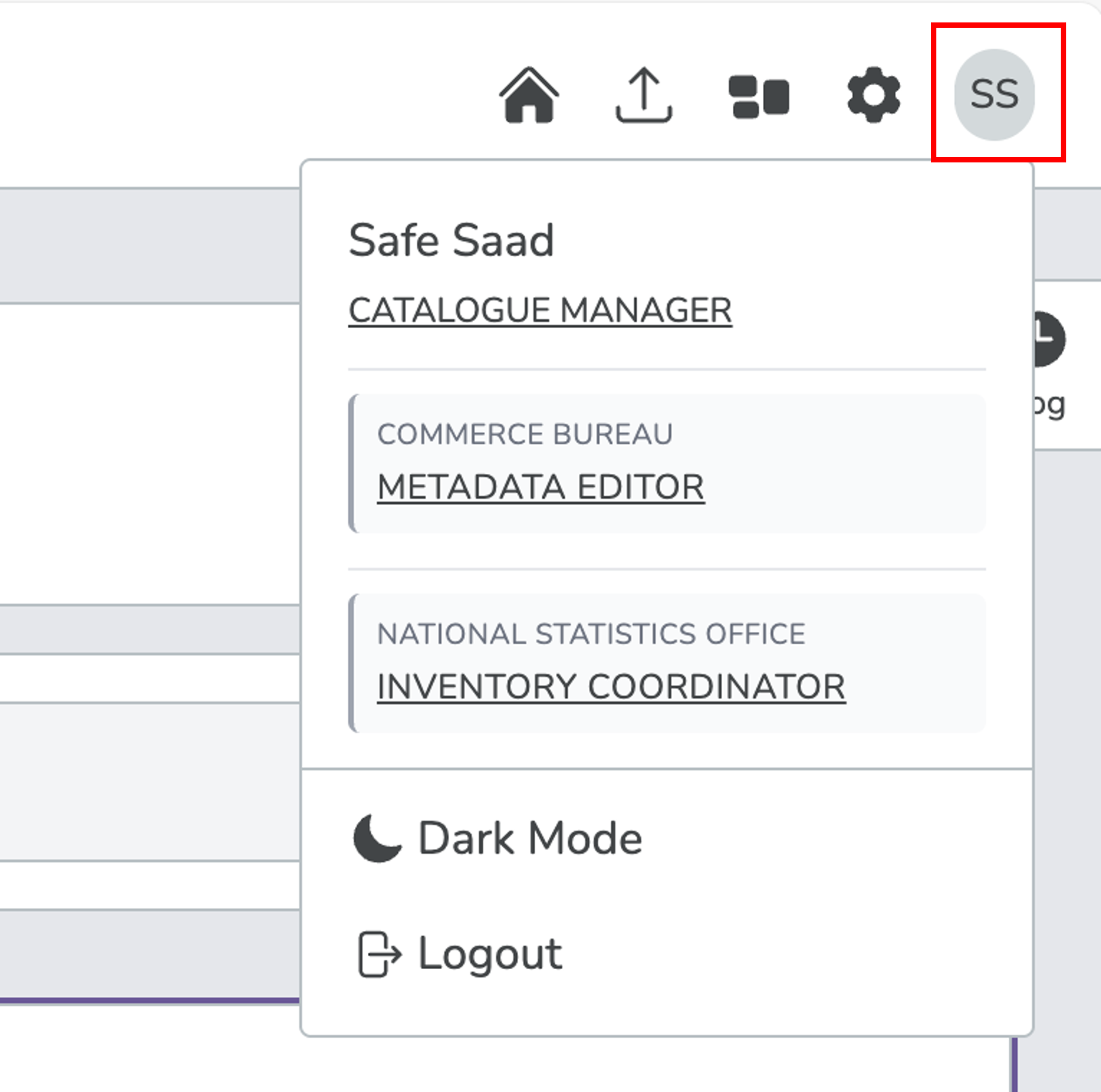
Select the profile icon (). Your current organisations and roles appear below your name.
In this example, the user is part of two organisations with different roles in each:
-
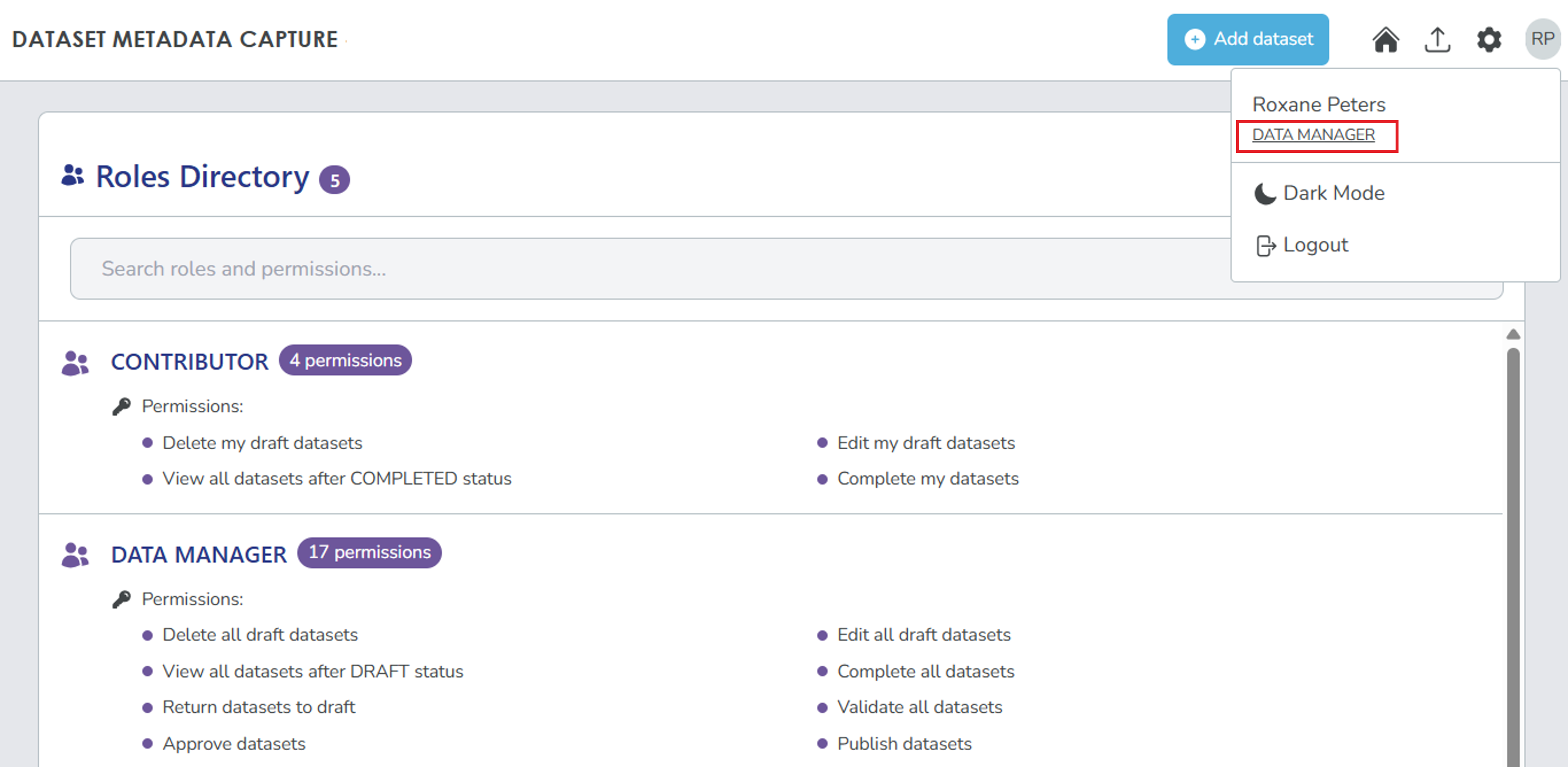
Select the role you want to view. The Role Directory opens with the list of roles and permissions.
The Role DirectoryWhile the Role Directory shows all roles and permissions, you can only perform actions allowed by your assigned roles.
-
To request additional roles or organisations, contact your Inventory Coordinator or System Administrator.