Review Open Data dataset records
Review candidate records that were automatically imported from data.public.lu↗ into your MDC catalogue. You can publish, reject, or delete candidates to control which Open Data dataset records appear in your catalogue.
You must be a Catalogue Manager or an Inventory Coordinator to perform the actions described in this guide.
In this guide
View candidate records
Publish a candidate record
Publish multiple candidate records
Reject a candidate record
Delete a candidate record
View candidate records
-
Select the document search icon () on the upper right corner of the page. The Open Data Dataset Review page appears with a list of candidate records imported from data.public.lu↗.
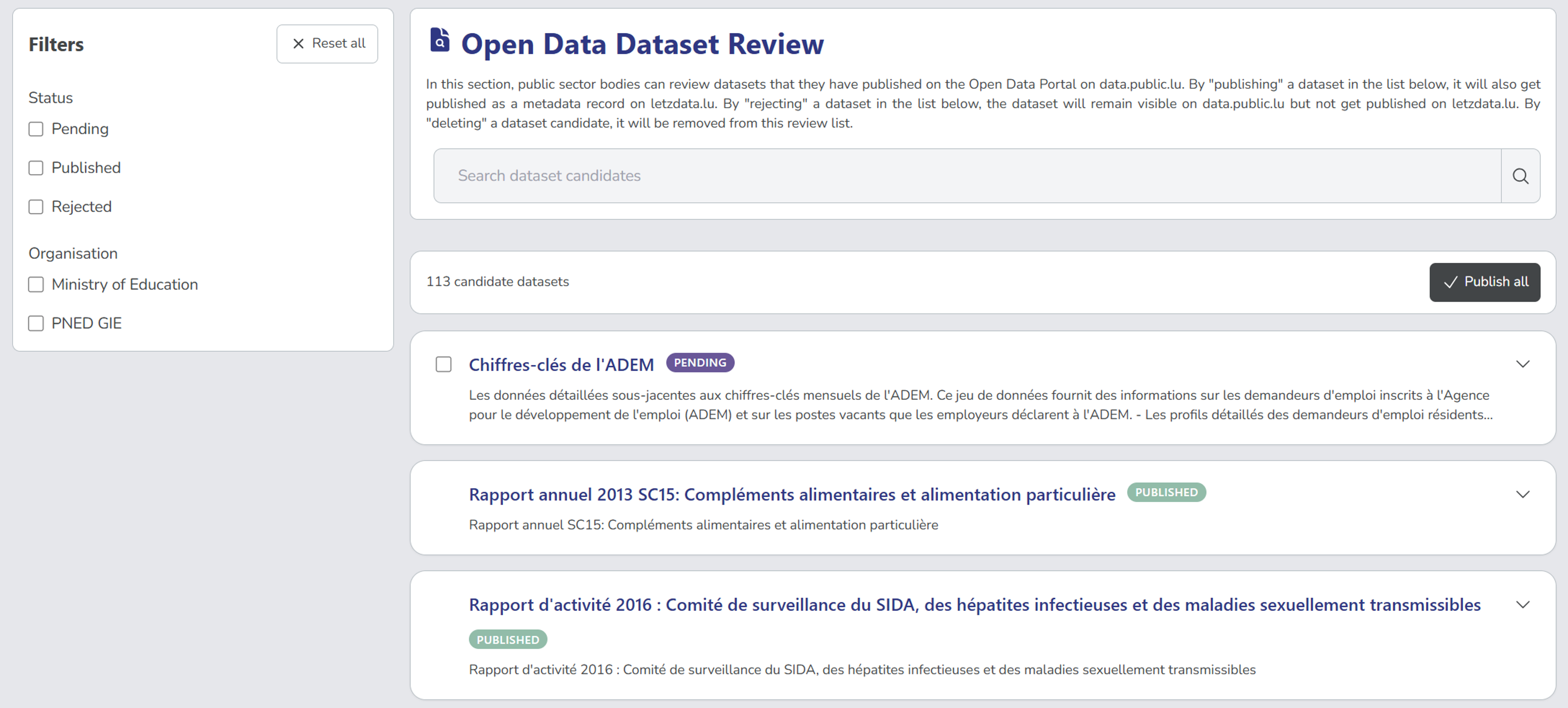
Empty candidate listIf you don't see any Open Data dataset record candidates, ensure your organisation is linked to data.public.lu or contact your Catalogue Manager.
-
Use the search and filter options to find candidates to view.
Viewing Open Data dataset recordsPending and Rejected candidates only appear in the Open Data Dataset Review page. They do not appear in the dataset panel, until they are published or deprecated.
-
Select a candidate to expand its details and available actions if applicable.
Publish a candidate record
Publish a candidate to add it to your MDC catalogue and letzdata.lu↗.
-
From the Open Data Dataset Review page, find the candidate you want to publish.
-
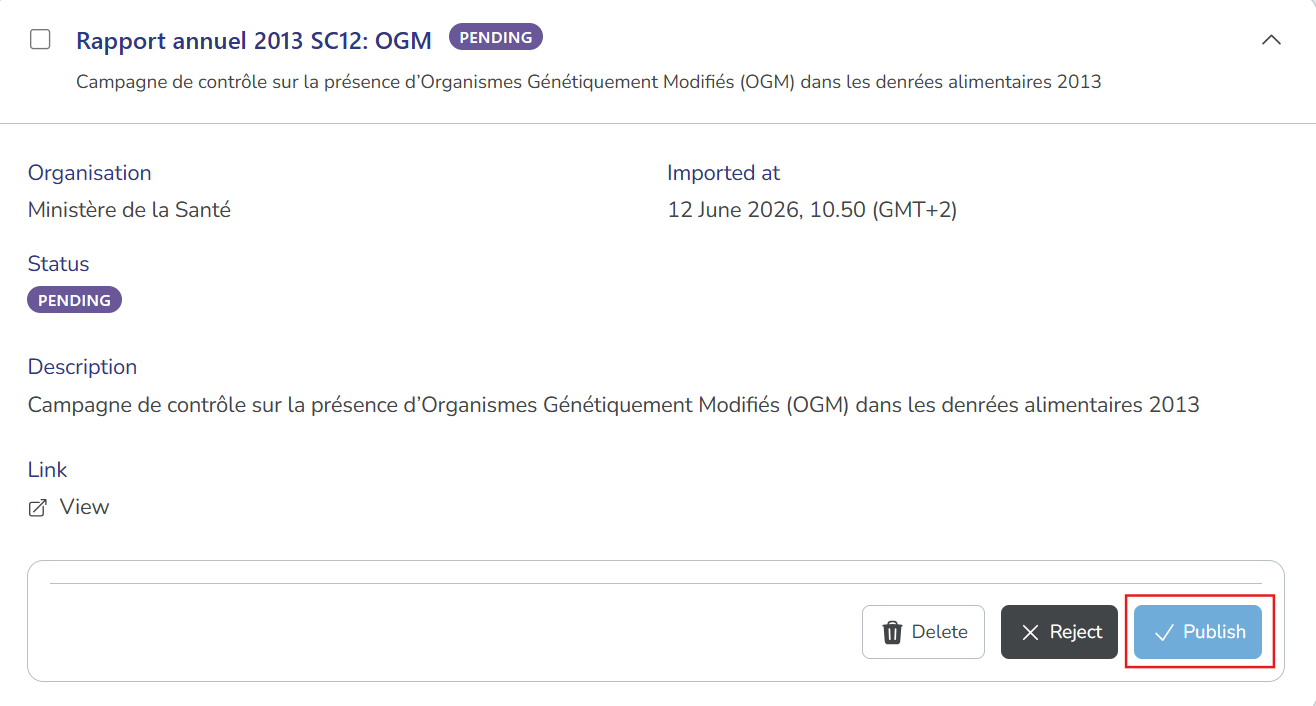
Select the candidate to expand its details and review the metadata.
-
Select Publish and then Confirm.
Publishing cannot be undone in MDCOnce published, an imported dataset record cannot be unpublished or deprecated in MDC. To do so, you must archive or deprecate it on its source platform, data.public.lu↗.
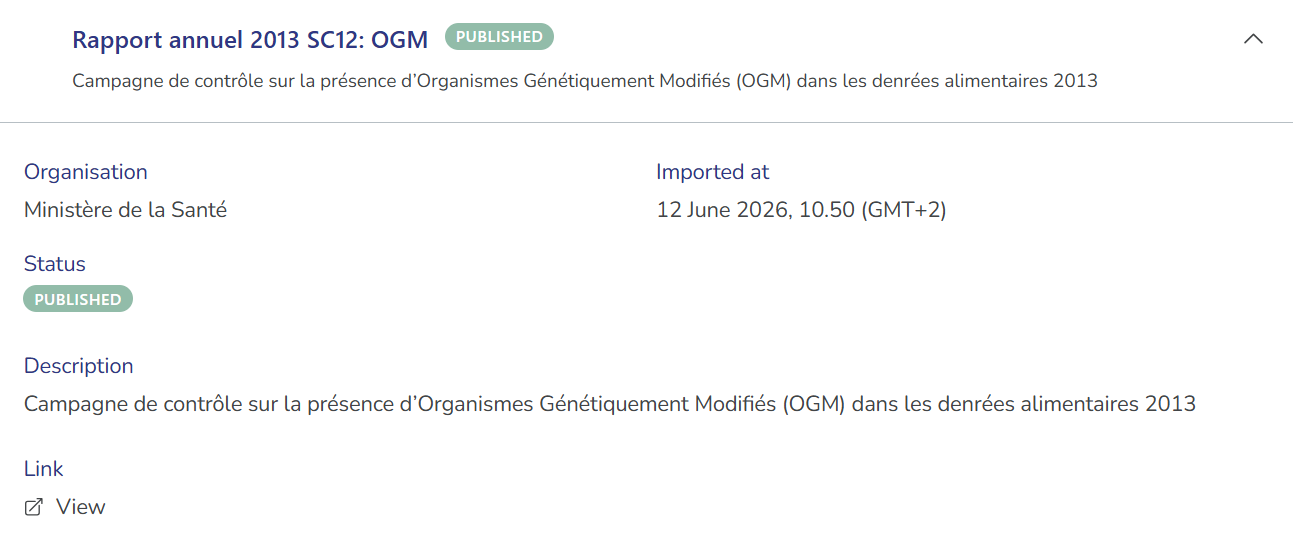
Once published, the candidate's status changes to Published, and remains in the Open Data Dataset Review page with no available actions.
- The record appears in the Published tab of your dataset panel and in letzdata.lu↗.
- The record is read-only and can only be edited in its source platform, data.public.lu↗.
- The record continues to synchronise with data.public.lu↗ daily. Any updates to the source record are automatically reflected in your published record.
Publish multiple candidate records
To save time when you have multiple candidates to approve, you can publish several candidates at once using the bulk publish feature.
-
From the Open Data Dataset Review page, filter by Pending or Rejected status to see only candidates awaiting review.
-
Select the checkbox beside each candidate you want to publish, and then select Publish selected.
Publishing cannot be undone in MDCOnce published, imported dataset records cannot be unpublished or deprecated in MDC. To do so, you must archive or deprecate it on its source platform, data.public.lu↗.
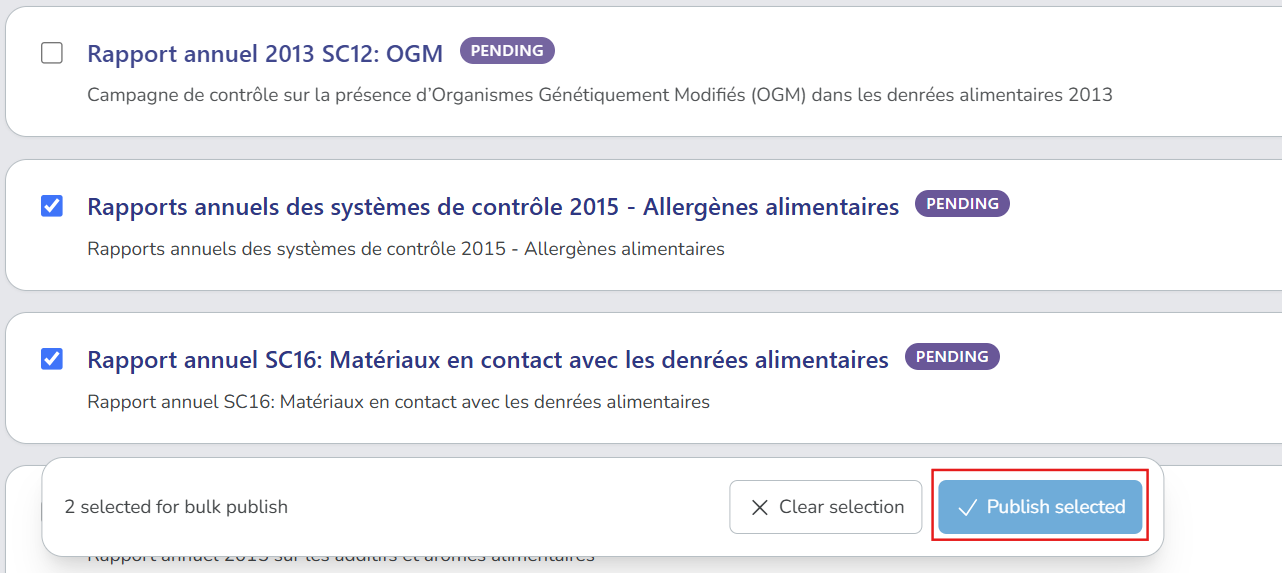
Alternatively, select Publish all to publish all candidates that match your current filters.
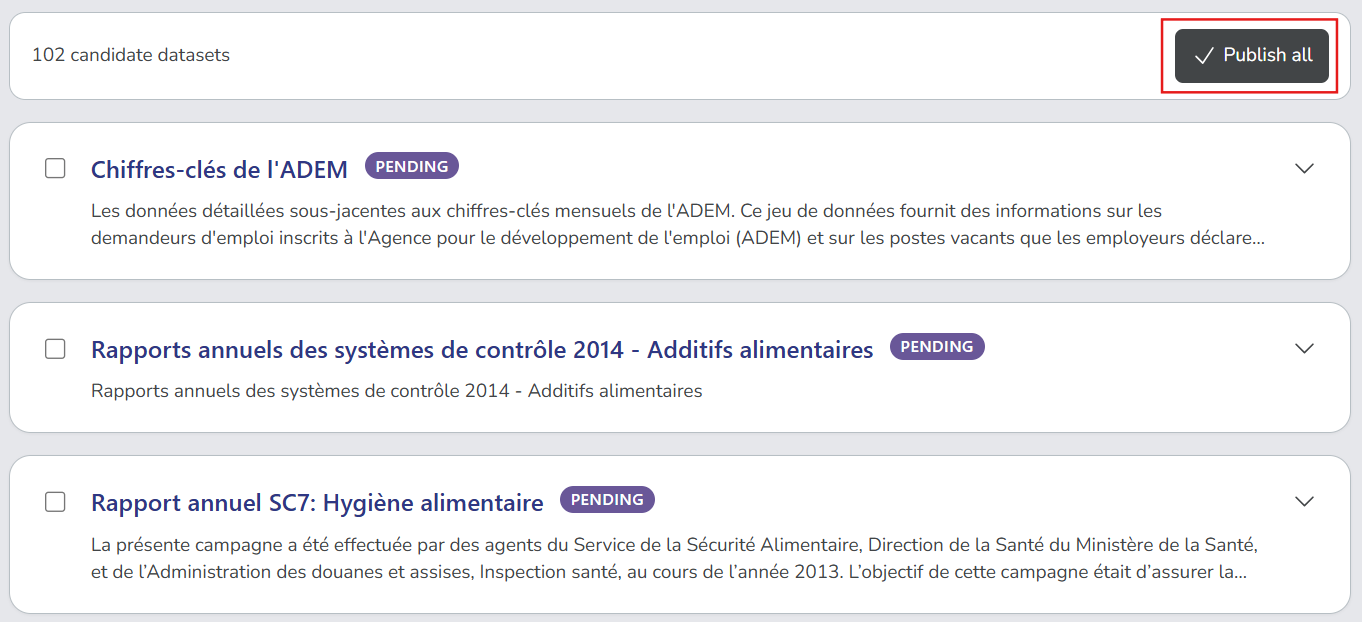
-
Select Confirm to proceed with publishing.
Reject a candidate record
Reject candidates that are not suitable for your catalogue.
-
From the Open Data Dataset Review page, find the candidate you want to reject.
-
Select the candidate to expand its details.
-
Select Reject and provide a reason for the rejection.
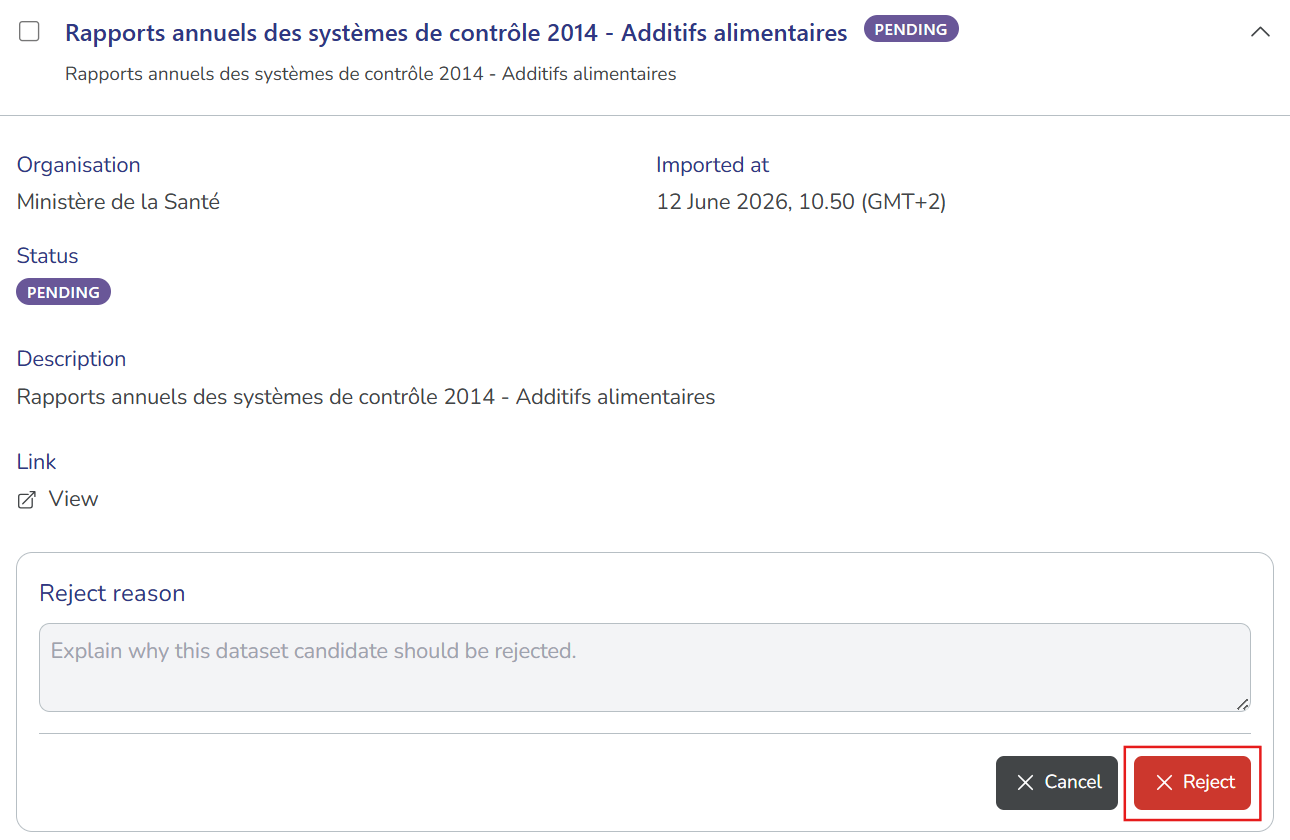
-
Select Reject to confirm. The candidate changes its status to Rejected.
- The rejected candidate remains in the Open Data Dataset Review page but does not appear in your MDC catalogue or in letzdata.lu↗.
- The Publish button remains available for rejected candidates, allowing you to publish them later.
Delete a candidate record
Delete a candidate to remove it from the review page. This is useful if a candidate was imported in error due to wrong linking between organisations or issues with the source record.
-
From the Open Data Dataset Review page, find the candidate you want to delete.
-
Select the candidate to expand its details.
-
Select Delete, and then Confirm to proceed.
- Deleted candidates are removed from the Open Data Dataset Review page, preventing them from being reviewed or published during that import cycle.
- If the same organisation mapping is still in place and the source record remains available on data.public.lu↗, the same candidate may be re-imported to MDC during the next scheduled import.